
Build guides
Practical guides to turn files, ideas, and workflows into apps in your App Cloud.

Turn a Word handbook into a useful knowledge app
A handbook becomes easier to use when readers can find an answer and see the source behind it. Start by organizing the material before adding a conversational interface.

Turn a training deck into an interactive learning app
Slides organize a presentation. A learning app also needs a path through the material, a way to practice, and a clear definition of progress.

Build a client portal from a spreadsheet
A spreadsheet can describe projects, but a portal needs a deliberate boundary between each client and the information they may see. Treat ownership as part of the data model.
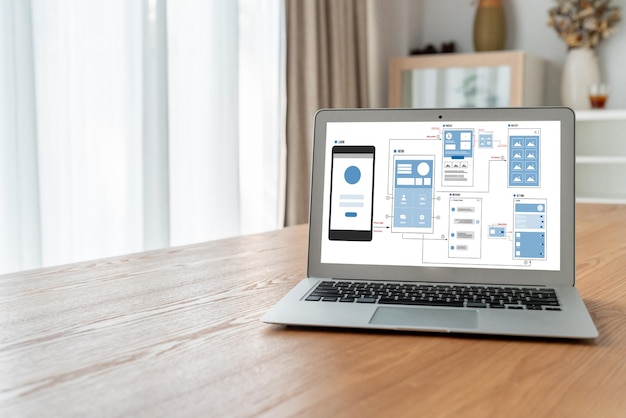
Use a screenshot as the start of a working app
A screenshot supplies a visual reference. It does not define the data source, what a control does, or how information changes over time.
From a PDF to a reviewed, published app
A PDF can supply useful content or records. The work is deciding how that information should behave in an app and checking the interpretation before publishing.
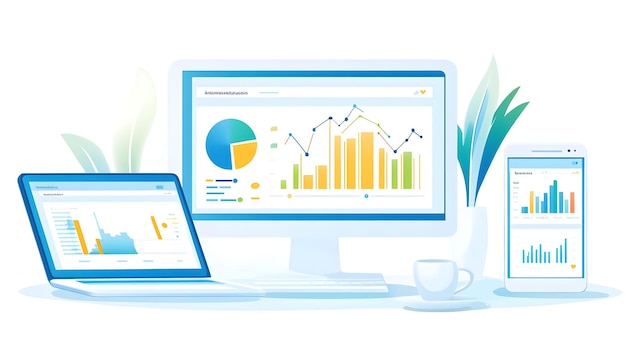
Turn an Excel report into a dashboard you can trust
A worked guide to rebuilding a weekly Excel report as a dashboard: the jobs the report does, a metric-definition table, workbook traps to clear, ten rows to check by hand and a plan for new figures.

Turn a photographed form into a digital workflow
A photo can reveal the questions on a form, including labels and grouping. A digital version also needs input types, validation, saved submissions, and a clear next step.

Turn a customer spreadsheet into a working CRM
A CRM should help someone decide what to do next for a customer. Start with useful records and follow-up behavior rather than importing every column unchanged.

How to turn a PDF into a website
A guide to turning a PDF brochure into a website with a page for each topic. A sample twelve-page brochure shows the page map, rewrites for screens, per-page titles and a checklist to run before you publish.