
Tag
#No-Code
14 articles

Turn a Word handbook into a useful knowledge app
A handbook becomes easier to use when readers can find an answer and see the source behind it. Start by organizing the material before adding a conversational interface.

Turn a training deck into an interactive learning app
Slides organize a presentation. A learning app also needs a path through the material, a way to practice, and a clear definition of progress.
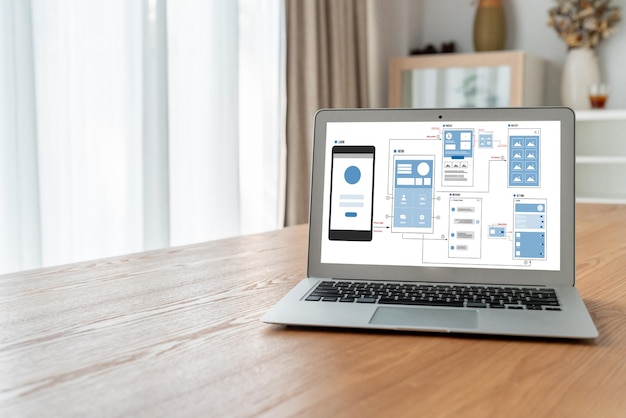
Use a screenshot as the start of a working app
A screenshot supplies a visual reference. It does not define the data source, what a control does, or how information changes over time.
From a PDF to a reviewed, published app
A PDF can supply useful content or records. The work is deciding how that information should behave in an app and checking the interpretation before publishing.

How to turn a PDF into a website
A guide to turning a PDF brochure into a website with a page for each topic. A sample twelve-page brochure shows the page map, rewrites for screens, per-page titles and a checklist to run before you publish.

How to turn an Excel spreadsheet into an app
A step-by-step guide to turning an Excel workbook into a web app. It works through a sample job sheet with an audit checklist, a column-mapping plan, formulas rewritten as rules and a test script.

Take an idea through a useful first release
Choose one task that makes the first version worthwhile. A smaller scope gives you a clearer review, but the time required depends on the behavior and revisions it needs.

A focused playbook for your first app launch
Use a weekend as a planning boundary, not a guaranteed delivery time. Decide which single useful journey is worth releasing and what evidence will show it works.

No-code vs low-code vs traditional development: how to choose
What separates no-code, low-code and traditional development, where AI-assisted building fits, and a five-test scorecard for comparing them on one real workflow before you commit.